

Mastering Your iPhone Lock Screen Background: The Ultimate 2025 Guide
Why Your iPhone Lock Screen Background Matters More Than Ever in 2025
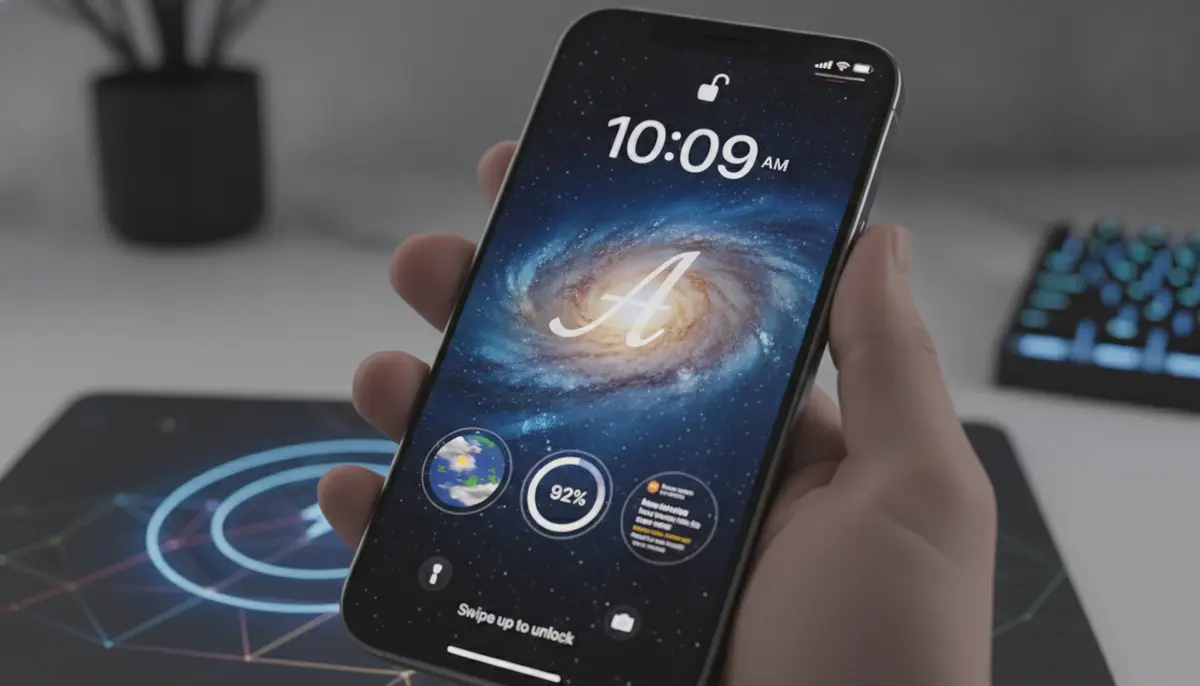
In 2025, your iPhone is more than just a communication device; it's a personal statement. The very first thing you see each day, your iphone lock screen background, sets the tone for your digital experience. It reflects your style, mood, and even your productivity. A thoughtfully chosen iphone lock screen background can inspire you, keep you organized, or simply bring a smile to your face. It's the digital canvas you interact with constantly. Optimizing this space is key to a truly personalized iPhone experience.
Gone are the days of static, uninspired backgrounds. Today's iOS offers incredible tools for personalization. You can create dynamic lock screens that change throughout the day. You can also add widgets for quick access to information. This guide will walk you through everything you need to know about mastering your iphone lock screen background in 2025. Get ready to transform your device into a true extension of yourself.
Understanding the Evolution of the iPhone Lock Screen Background
Apple has continually refined the iPhone lock screen experience. Each iOS update brings new features and customization options. From simple wallpapers, we've moved to complex, interactive displays. The depth effect, dynamic wallpapers, and extensive widget support have revolutionized how we view our lock screens. This evolution means your iphone lock screen background is no longer just a pretty picture. It's an active part of your iPhone's interface. Understanding these changes helps you use them to your advantage. It ensures your lock screen is both beautiful and functional.
Key Features of the 2025 iPhone Lock Screen
- Depth Effect: Your subject can appear in front of the clock, creating a stunning 3D look.
- Widgets: Add small, glanceable information blocks for weather, calendar, battery, and more.
- Multiple Lock Screens: Create several unique lock screens and switch between them easily.
- Focus Mode Integration: Link specific lock screens to different Focus Modes (e.g., Work, Personal, Sleep).
- Live Wallpapers: Enjoy animated backgrounds that react to your touch or device movement.
- Photo Shuffle: Your lock screen background can automatically cycle through a selection of your favorite photos.
- Customizable Fonts and Colors: Personalize the clock and date display to match your aesthetic.
How to Change Your iPhone Lock Screen Background in 2025: A Step-by-Step Guide
Changing your iphone lock screen background is straightforward. Apple has made the process intuitive. You can do it directly from your lock screen or through the Settings app. Let's explore both methods. Remember, personalizing your device is part of the fun. Don't be afraid to experiment with different looks. You can always change it back if you don't like it.
Method 1: Changing from the Lock Screen
- Wake Your iPhone: Press the side button or tap the screen to wake your iPhone.
- Access Customization: Touch and hold anywhere on your Lock Screen. This will open the customization interface.
- Add New Lock Screen: Tap the '+' button (Add New) at the bottom right. If you already have multiple lock screens, swipe to the rightmost one and tap 'Add New'.
- Choose Your Background: Select from various options: Photos, Photo Shuffle, Emoji, Weather, Astronomy, or Color. You can even browse featured collections.
- Customize and Add: Once you select your image or style, customize widgets, clock font, and color. Tap 'Add' in the top right corner.
- Set as Wallpaper Pair: Choose 'Set as Wallpaper Pair' to apply it to both your Lock Screen and Home Screen, or 'Customize Home Screen' to set a different Home Screen background.
This method is quick and easy for on-the-go changes. It allows you to preview your new iphone lock screen background instantly. For more detailed instructions, you can refer to Apple's official guide on how to create a custom Lock Screen.
Method 2: Changing from Settings App
- Open Settings: Tap the 'Settings' app icon on your Home Screen.
- Navigate to Wallpaper: Scroll down and tap 'Wallpaper'.
- Add New Wallpaper: Tap 'Add New Wallpaper'. This opens the same customization interface as Method 1.
- Select and Customize: Choose your desired background type (Photos, Photo Shuffle, etc.). Adjust widgets, clock style, and colors.
- Confirm: Tap 'Add' and then choose 'Set as Wallpaper Pair' or 'Customize Home Screen'.
Using the Settings app provides a slightly more structured approach. It's perfect if you prefer to make changes in a dedicated menu. Both methods achieve the same goal: giving you a fresh, personalized iphone lock screen background. If you want to learn more about adding new wallpapers, Apple provides a helpful resource on how to add a new wallpaper for your Lock Screen or Home Screen.
For a visual walkthrough, check out this helpful video:
. It demonstrates the steps clearly. This video can be especially useful if you are a visual learner. It shows exactly where to tap and what to expect.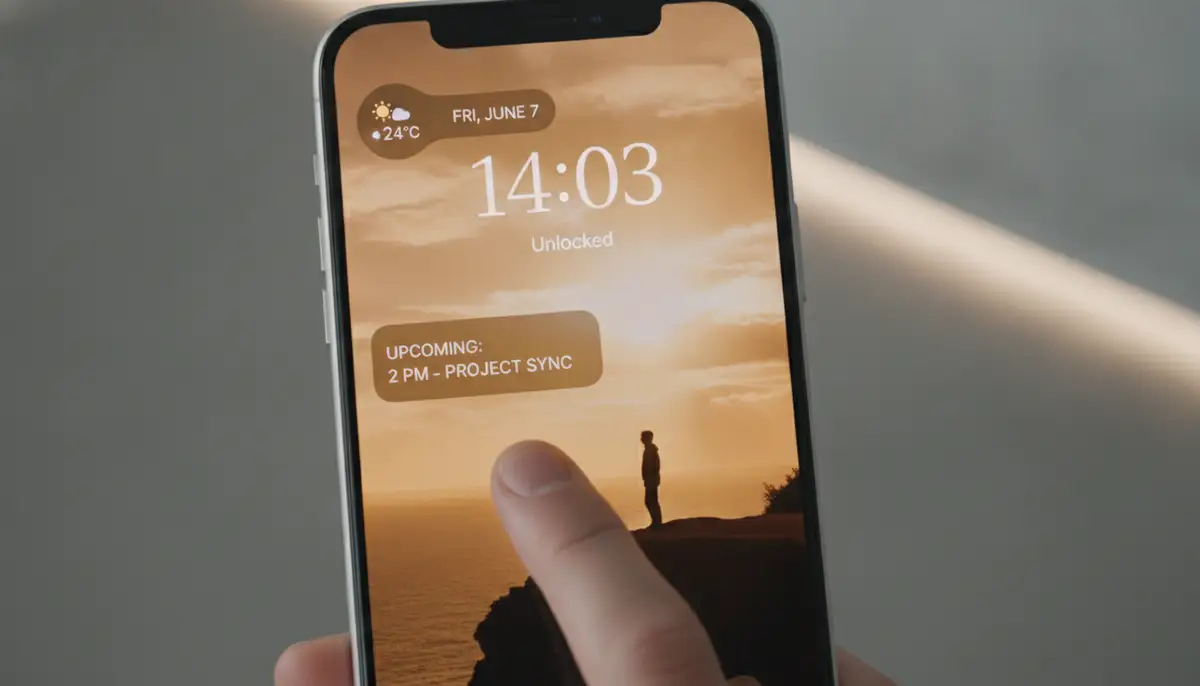
Beyond the Basics: Advanced iPhone Lock Screen Background Customization
Once you've mastered the basics, it's time to dive deeper. The iPhone lock screen offers a wealth of advanced customization features. These features can truly make your device unique. They go far beyond just picking a pretty picture. We'll explore how to leverage these tools for a truly personalized experience. Your iphone lock screen background can do so much more.
Leveraging Photo Shuffle for Dynamic Backgrounds
Photo Shuffle is a fantastic feature for those who can't pick just one favorite photo. It allows your iphone lock screen background to rotate through a selection of images. You can choose specific photos or let your iPhone intelligently select from categories like People, Nature, or Cities. You can also set the shuffle frequency. Options include 'On Tap', 'On Lock', 'Hourly', or 'Daily'. This keeps your lock screen fresh and engaging. It's a great way to relive memories or enjoy a variety of beautiful images.
Mastering Widgets for Productivity and Information
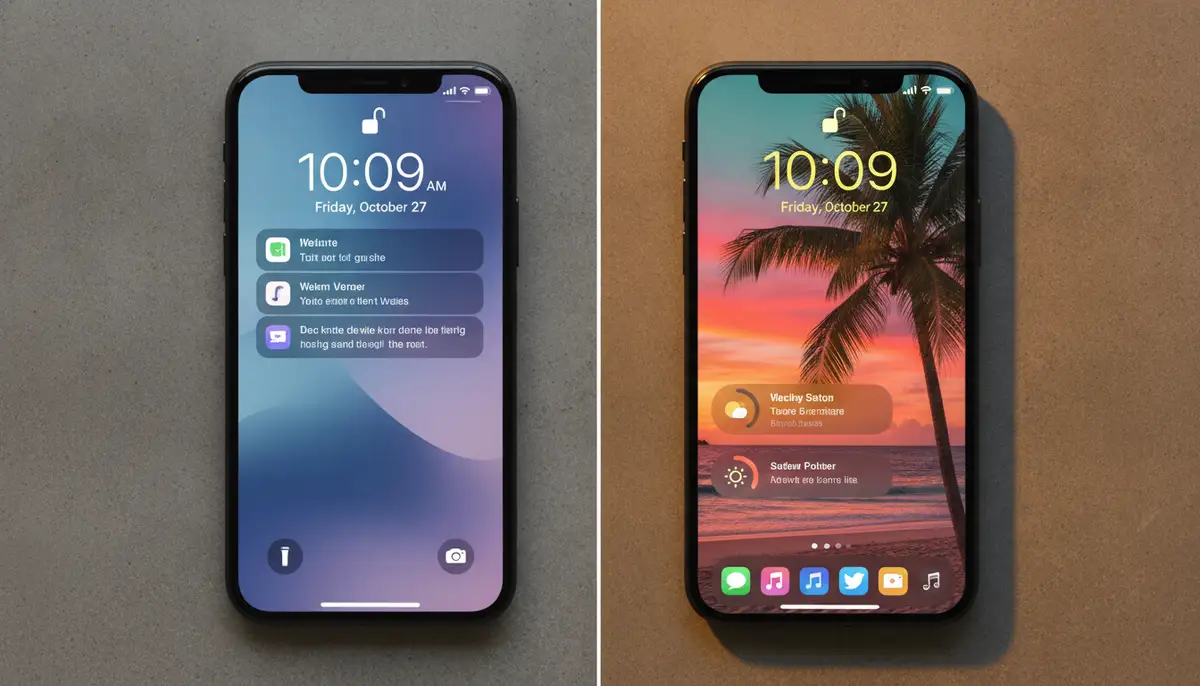
Widgets are small information cards that sit on your lock screen. They provide quick access to data without unlocking your phone. Think of them as mini-apps for your lock screen. You can add widgets for weather, calendar events, battery levels, activity rings, and more. Third-party apps also offer their own widgets. This greatly enhances the functionality of your iphone lock screen background. Choose widgets that are most relevant to your daily needs. This makes your phone more useful at a glance.
| Widget Category | Example Apps | Benefit on Lock Screen |
|---|---|---|
| Productivity | Reminders, Calendar, Things 3 | Quickly see upcoming tasks or events. |
| Information | Weather, Stocks, News | Get instant updates without unlocking. |
| Health & Fitness | Fitness, WaterMinder, StepsApp | Monitor daily goals and progress. |
| Entertainment | Spotify (Now Playing), Podcasts | Control media playback and see current track. |
Integrating with Focus Modes
Focus Modes allow you to tailor your iPhone experience to different activities. You can link a specific iphone lock screen background to each Focus Mode. For example, your 'Work' Focus Mode could have a minimalist, professional background with calendar and email widgets. Your 'Personal' Focus Mode might feature family photos and weather widgets. This seamless integration ensures your lock screen always matches your current context. It helps you stay focused and reduces distractions. Your lock screen truly adapts to you.
Where to Find Stunning iPhone Lock Screen Backgrounds
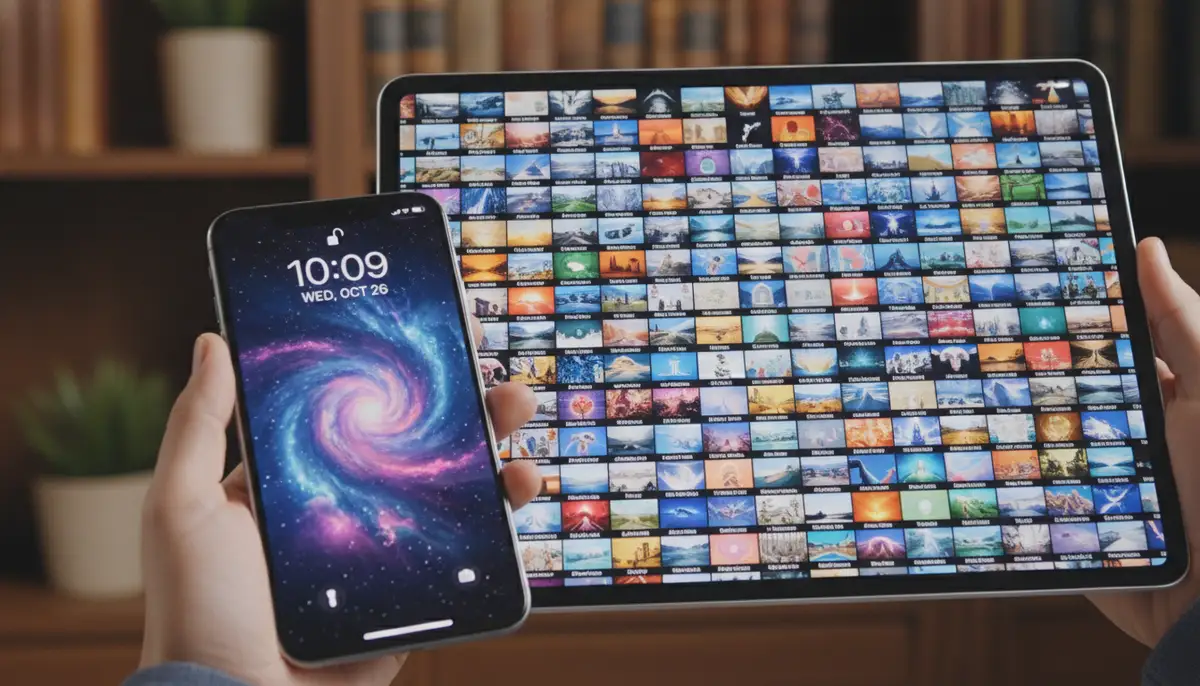
Finding the perfect iphone lock screen background can be a quest. Luckily, there are countless resources available in 2025. You don't have to settle for default options. Whether you prefer minimalist designs, breathtaking landscapes, or abstract art, there's a background out there for you. Our business specializes in mobile wallpapers, offering hundreds of live wallpapers and Ultra HD backgrounds for iPhone and Android, with new additions every week. We make it easy to keep your lock screen fresh and exciting.
Built-in iOS Collections
Apple provides a curated selection of wallpapers. These include dynamic options, astronomy themes, and vibrant color gradients. These are often high-quality and optimized for your device. They are a great starting point for anyone looking for a new iphone lock screen background. You can find them directly within the Wallpaper settings.
Third-Party Apps and Websites
The internet is a treasure trove of wallpapers. Many apps and websites specialize in providing high-quality backgrounds. When searching for a new iphone lock screen background, consider sources like our platform, which offers a vast and constantly updated library. Other popular platforms include companies like Alpha Coders, Wallhaven, and WallpapersWide. These sites often feature user-submitted content and professional designs. You can also explore a vast collection of iPhone lock screen wallpapers on Pinterest, a great source for visual inspiration.
- Wallpaper Apps: Many apps offer categorized collections, search functions, and even AI-generated options. Look for apps with high ratings and frequent updates.
- Image Search Engines: Use terms like 'iPhone 2025 wallpaper', 'Ultra HD lock screen', or 'aesthetic iPhone background'. Filter by image size for best results.
- Social Media: Platforms like Instagram and Pinterest are excellent for discovering new trends and artists specializing in digital wallpapers.
- Your Own Photos: Don't forget your personal photo library! Your cherished memories make for truly unique and meaningful backgrounds.
Creating Your Own iPhone Lock Screen Background
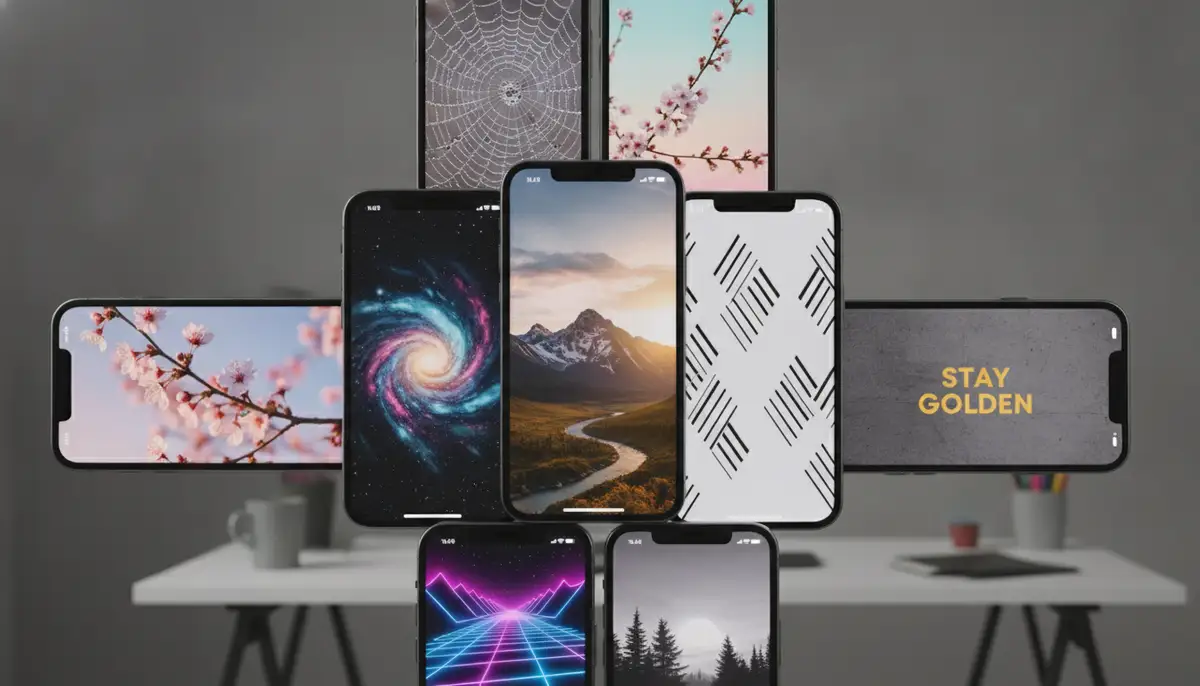
Feeling creative? You can design your own iphone lock screen background. Use photo editing apps on your iPhone or computer. Adjust colors, add text, or create unique collages. This allows for ultimate personalization. Your lock screen will truly be one-of-a-kind. There are many tutorials online to guide you through the process. Your creativity is the only limit.
Tips for an Optimal iPhone Lock Screen Background Experience
A great iphone lock screen background is more than just visually appealing. It also needs to be functional and not drain your battery. Here are some pro tips to ensure your lock screen enhances your iPhone experience. These tips will help you get the most out of your customization efforts. They focus on both aesthetics and performance.
Resolution and Quality
Always choose high-resolution images for your iphone lock screen background. Low-resolution images will appear pixelated and blurry. This detracts from the overall aesthetic. Look for Ultra HD or 4K wallpapers. Our platform offers a wide selection of Ultra HD backgrounds, ensuring crisp, clear visuals every time. A sharp image makes a huge difference.
Consider Contrast and Readability
Ensure your iphone lock screen background provides enough contrast. This is important for the clock, date, and widgets. A busy or overly bright background can make text difficult to read. Opt for backgrounds with clear areas or subtle gradients where text and widgets will be placed. This improves readability and user experience. Functionality should always be a priority.
Battery Life Considerations
Live wallpapers and Photo Shuffle can consume more battery than static images. If battery life is a concern, consider using a static image. Or, limit the frequency of your Photo Shuffle. While dynamic backgrounds are beautiful, balance them with your device's endurance. A beautiful but dead phone isn't very useful. Always find a balance.
Organizing Your Lock Screens
With the ability to create multiple lock screens, organization is key. Give them descriptive names. Arrange them in a logical order. This makes switching between them quick and easy. You can swipe through them on your lock screen. This keeps your personalized iphone lock screen background options tidy. An organized system saves you time and frustration.
Related Content for Further Exploration
To dive deeper into customizing your iPhone's visual appeal, explore our ultimate guide to wallpapers and backgrounds iPhone. You'll find even more tips and tricks there. If you're also looking to refresh your computer's look, check out our guide to fall desktop background images for seasonal inspiration. These resources provide a holistic approach to digital aesthetics.
Common Issues with Your iPhone Lock Screen Background and How to Fix Them
Even with advanced features, you might encounter minor issues. Knowing how to troubleshoot them saves you time and frustration. Most problems with your iphone lock screen background are easily resolvable. We'll cover some common scenarios and their solutions. Don't let a small glitch ruin your personalized look.
Depth Effect Not Working
The depth effect is a popular feature. Sometimes, it might not activate. This usually happens if there are too many widgets. Or, if the subject in your photo is too close to the clock. Try removing some widgets. Also, choose a photo where the subject has clear separation from the background. Ensure the subject doesn't obscure the time too much. A simpler iphone lock screen background can help.
Widgets Not Updating
If your widgets aren't showing current information, try a few things. First, ensure the app associated with the widget is up to date. Then, check if Background App Refresh is enabled for that app in Settings > General > Background App Refresh. Sometimes, a simple iPhone restart can also fix this issue. Your iphone lock screen background should always display accurate information.
Battery Drain Concerns
As mentioned, live wallpapers and frequent Photo Shuffle can impact battery. If you notice significant drain, switch to a static image. Reduce Photo Shuffle frequency. You can also check your battery usage in Settings > Battery to identify specific apps or features consuming power. A less dynamic iphone lock screen background might be the solution.
Image Quality Issues
If your iphone lock screen background looks blurry, it's likely a resolution problem. Always use images specifically designed for iPhone screens. Or, download Ultra HD versions. Cropping a small image to fit a large screen will result in pixelation. Seek out high-quality sources for your backgrounds. This ensures a crisp and clear display.
The Future of Your iPhone Lock Screen Background
Looking ahead to the rest of 2025 and beyond, the iPhone lock screen background will continue to evolve. We can anticipate even more dynamic features. Expect deeper AI integration, making your lock screen even smarter. Imagine backgrounds that react to your environment or personal data. Your iphone lock screen background could become an even more interactive dashboard. This continuous innovation promises exciting possibilities for personalization. The future is bright for iPhone customization.
Anticipated Enhancements
- Smarter AI Integration: Lock screens that adapt based on your location, time of day, or even your mood.
- Enhanced Live Wallpapers: More interactive and visually stunning animations that respond to touch or gestures.
- Expanded Widget Functionality: Third-party apps will likely gain more robust widget capabilities, offering richer information.
- Augmented Reality Overlays: Imagine subtle AR elements interacting with your physical surroundings on your lock screen.
- Seamless Cross-Device Sync: Even more fluid synchronization of lock screen settings across all your Apple devices.
These advancements will make your iphone lock screen background an even more integral part of your digital life. It will move beyond static decoration. It will become a truly intelligent and responsive interface. Staying updated with iOS releases will unlock these new possibilities. The potential for personalization is truly limitless.
Conclusion: Your iPhone Lock Screen Background, Your Digital Signature
Your iphone lock screen background is a powerful tool for self-expression. It's the first thing you see, and it sets the tone for your entire iPhone experience. In 2025, with Apple's robust customization options, there's no reason to settle for a generic look. You have the power to create a dynamic, informative, and beautiful lock screen that truly reflects you. From choosing the perfect image to mastering widgets and Focus Modes, every detail contributes to your unique digital signature. We hope this guide empowers you to fully personalize your device. Make your iphone lock screen background work for you.
Ready to transform your iPhone? Explore our vast collection of live wallpapers and Ultra HD backgrounds. Discover new additions every week. Download now and give your iPhone the stunning new look it deserves!